 Presento
AN EPIPHANI STUDIOS APP FOR MAC
Talk to your deck.
Get a print-perfect PDF.
Presento is where Claude builds your presentations and documents, one page at a time. Circle what you mean, ask for three versions side by side, keep every revision, and export a PDF that prints exactly as it reads on screen.
Free download. macOS 15 or later on Apple silicon. Runs on your Claude plan.
WHY PRESENTO
One investor deck went to version 60. Presento keeps every version and makes the next one faster.
Presento started with an investor deck that went from version 3 to version 60, built by hand in HTML and printed through Chrome. It worked because a page written in HTML prints as designed, and because every version was kept. Presento turns that method into software and takes the friction out: you point, Claude edits the page, the checks run, and the version is saved before you look up.
HOW IT WORKS
Five moves, from one instruction to the PDF you send.
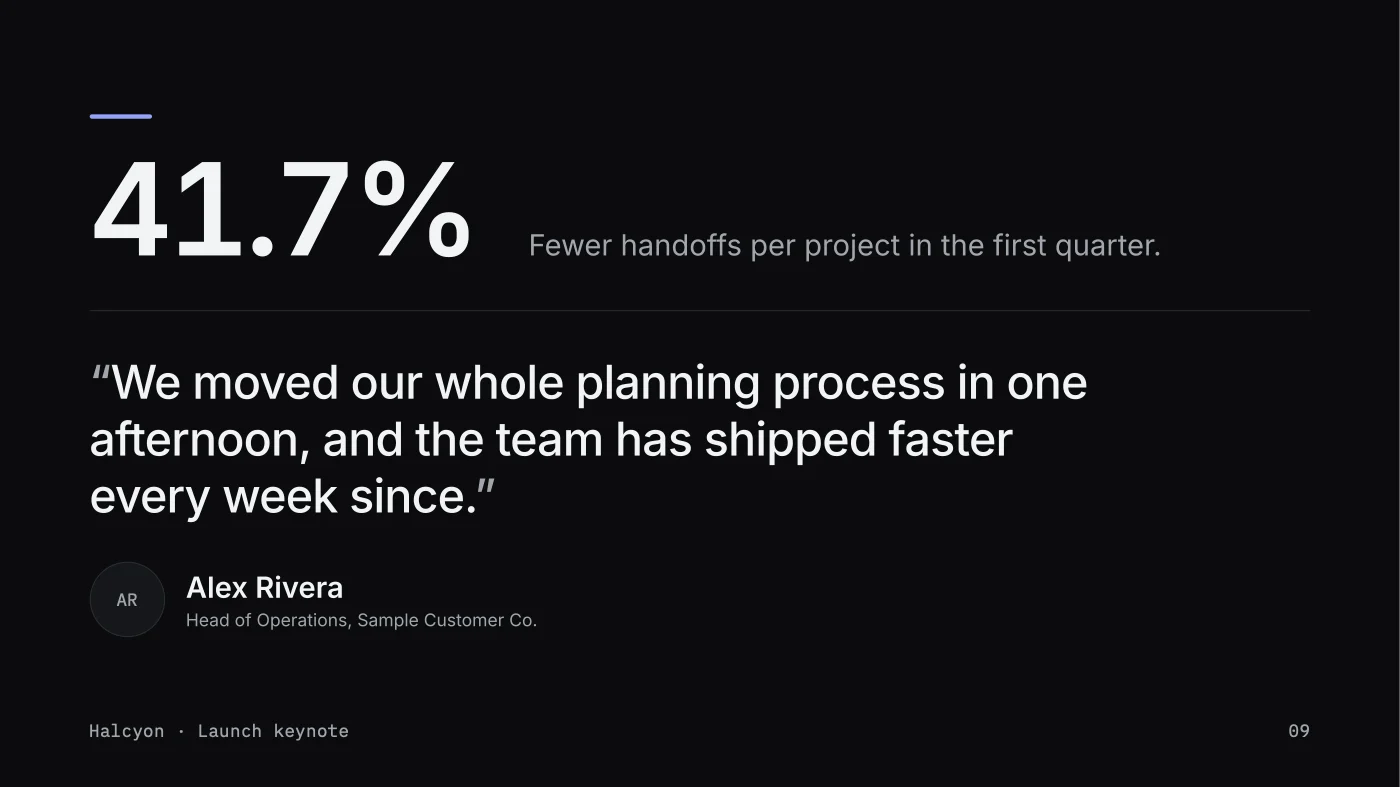
Every picture on this page is the real app, working on a sample launch keynote built from one of Presento's templates.
Talk to one page, or to the whole document.
Click a page in the strip or any element on it and say what you want. Claude reads the page, edits the HTML, runs the checks, and shows you the result. Choose the model and the effort for each document, and type or dictate.
- The scope chip names what Claude is working on: “Page 8, Weekly active teams grew 3.1x”
- Quick actions on every page: Mark, 3 variants, Tighten, More visual, Fix checks
- The microphone uses Apple speech recognition, on device where your Mac supports it

Tap, circle, or draw an arrow. Claude sees exactly what you mean.
Words are slow at pointing. Press Mark, circle the bar or tap the headline, and Presento maps each mark to the elements underneath it, numbers it, and sends Claude a marked picture of the page with your request. “This” and “here” finally mean something.
1Page 8 · this area · circled 10.7 to 12.6 in across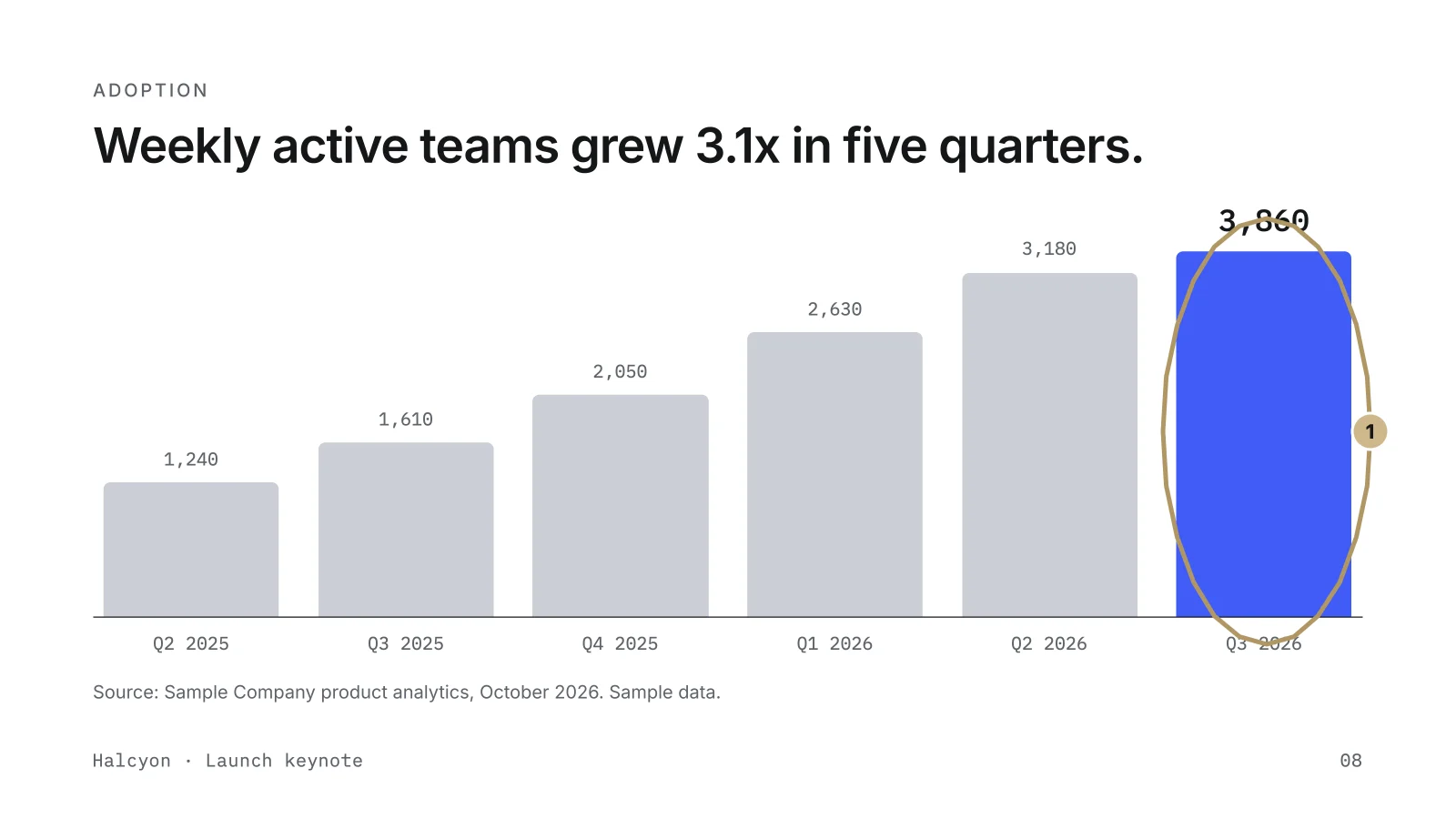
Ask for three versions. Pick the one that lands.
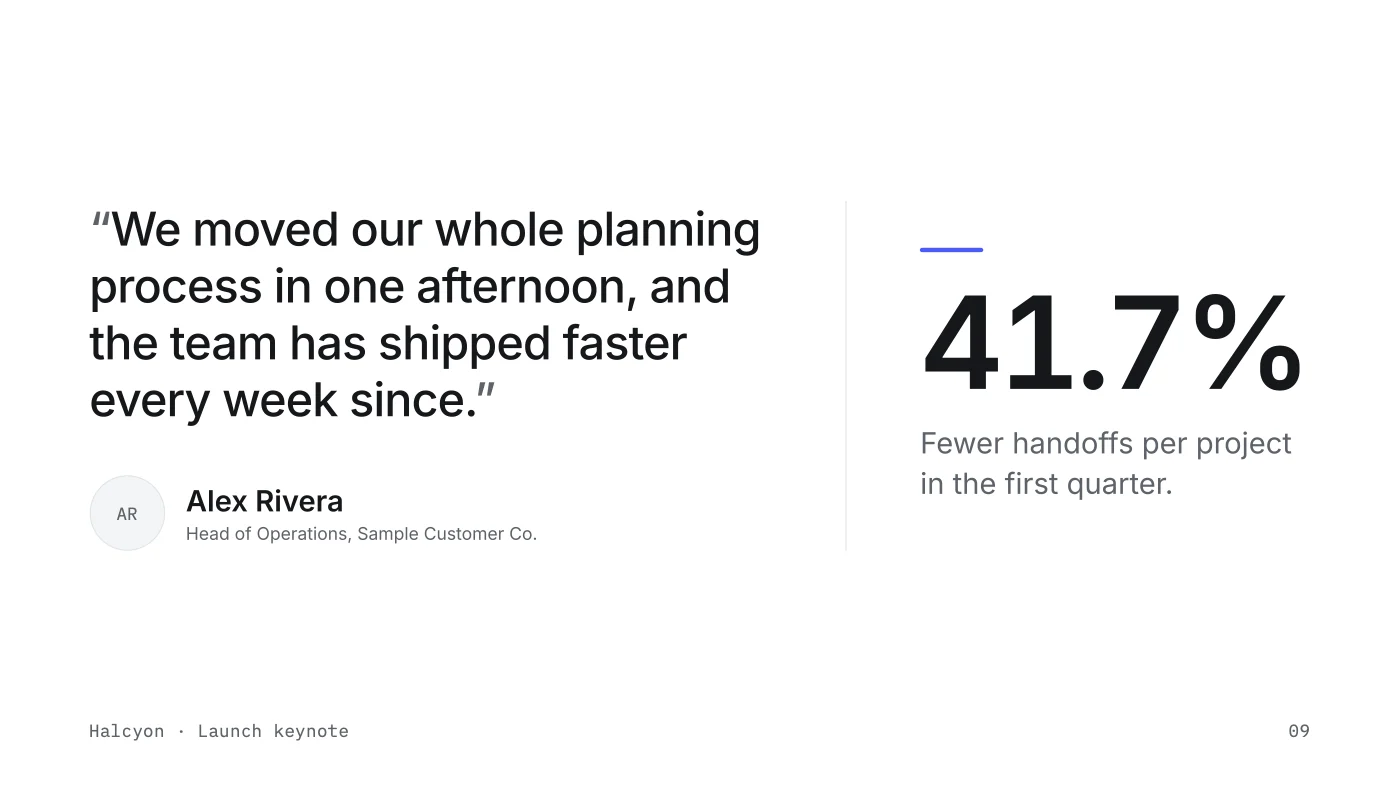
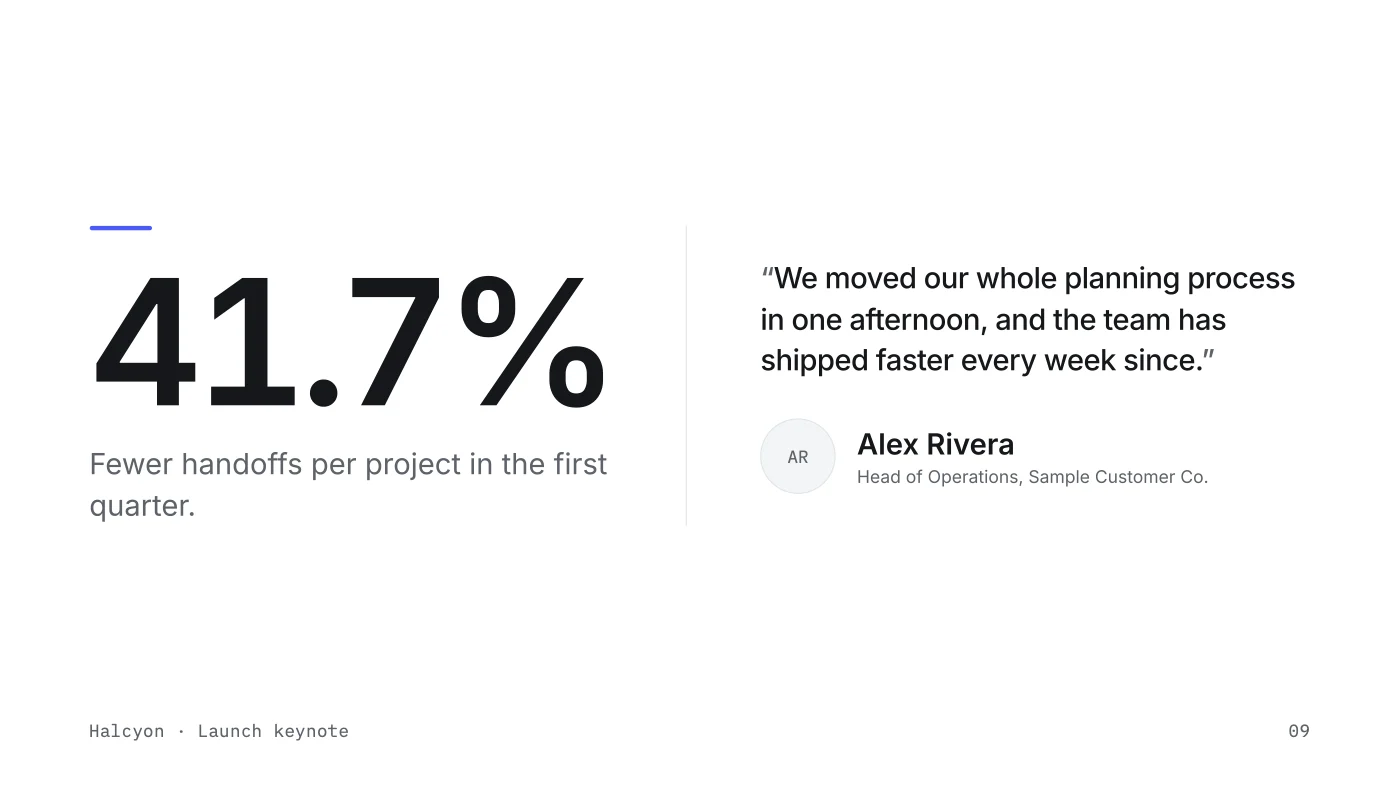
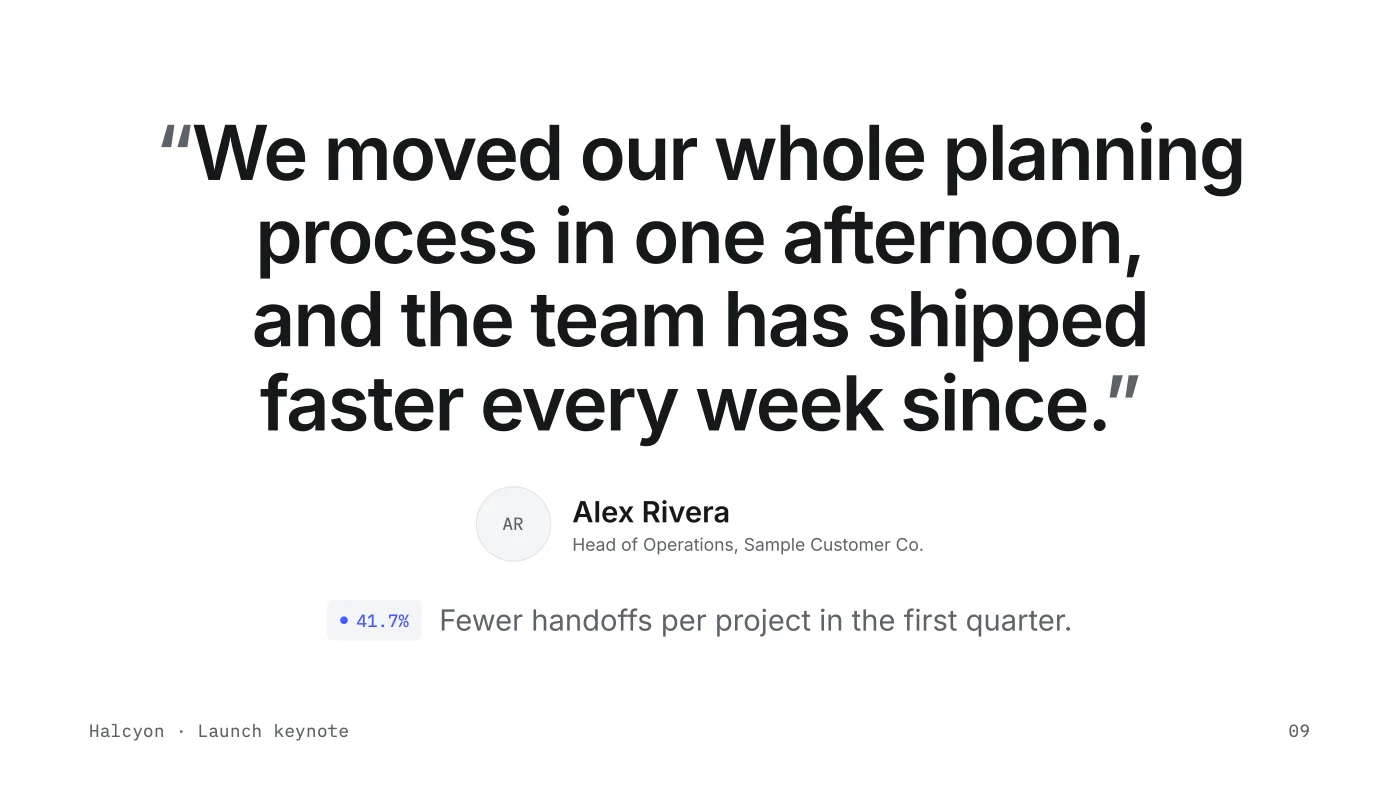
Say “three variants of this page” and Presento lays them out side by side as real printed pages. Version A is always the page as it stands, so the choice is between what you have and three ways forward. Pick one and it replaces the page; the others stay with the version for later.
- Variants render as finished pages, never as sketches
- One request produced the three new layouts here, B to D, in 53 seconds
Every turn is a revision, with a picture of every page it changed.
History reads like a timeline: what you asked, who made the change, which pages moved, and a thumbnail of each. Switch to one page to see only its story, then restore that single page from any earlier revision while the rest of the document stays as it is. Name a revision as a final and it is starred for good.
- Whole-document or single-page history
- Restore one page from any revision, saved as a new revision
- Named finals: “Version 1 (Launch day)”

Checks run on every page. The PDF prints as it reads.
Before a change reaches your document, Presento checks every page for overflow, footer collisions, missing images, fonts that failed to load, contrast, and the voice and number rules your template carries. Export writes a named PDF, “Halcyon Launch Keynote - Version 1 (Launch day).pdf”, printed with Chrome's print engine at the page size the document declares.
- Overflow, footer, image, font, contrast, voice, and number checks on every page
- Named exports that say which version they are
- Speaker script drafted from the pages, one section per page


Halcyon Launch Keynote - Version 1 (Launch day).pdf 10 pages, 13.33 x 7.5 in
FEATURES
History, templates, checks, and exports, on your Mac.
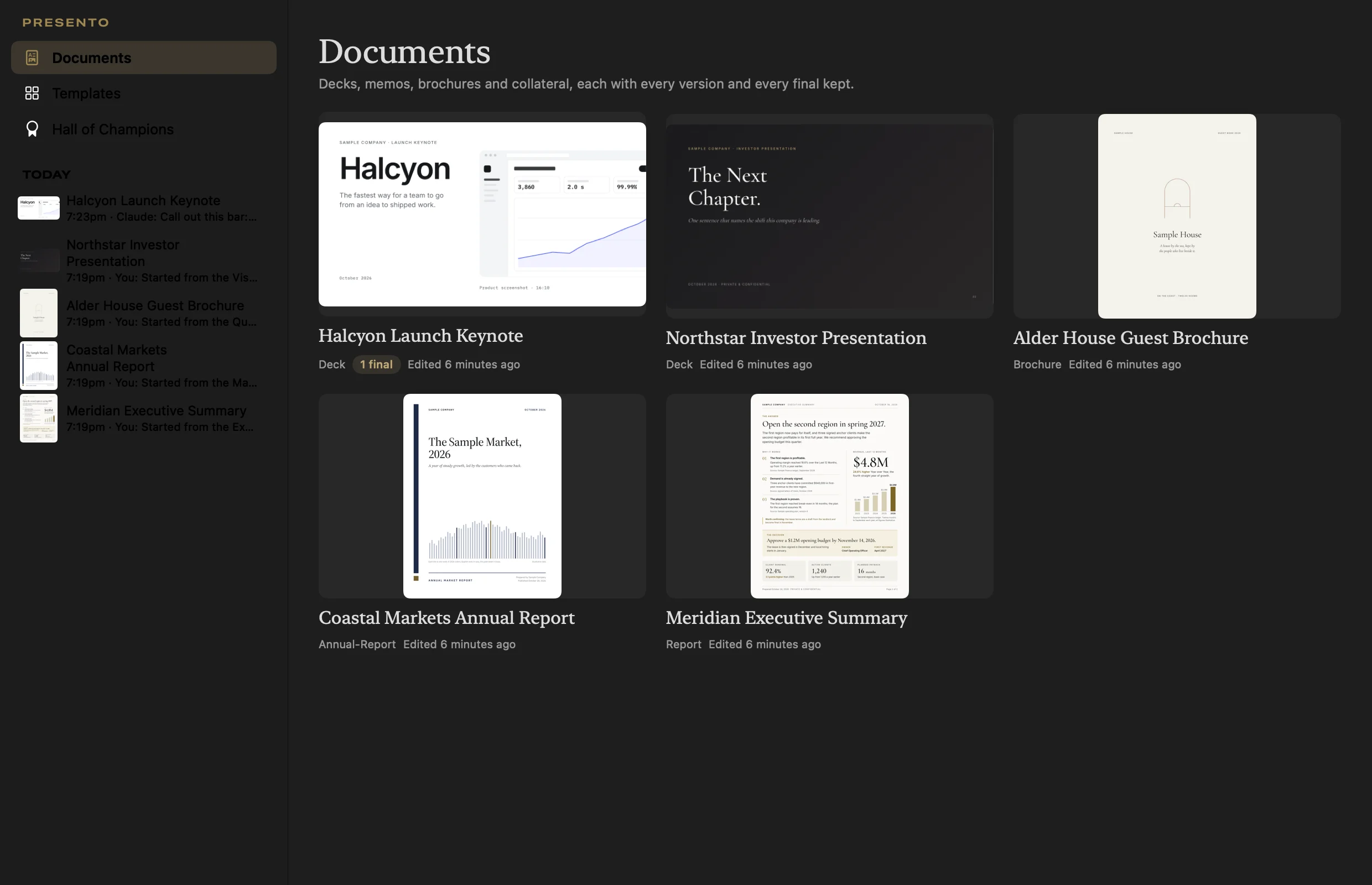
Library
Every presentation and document in one window, newest first, each with its latest change and its finals. Open any one on its history, or fork it as a new draft.
Locked pages
Lock the pages that are done. Claude and marks leave them alone until you unlock them.
Fork and import
Import any HTML deck and its images come with it. Fork a document to start a new draft with its own history.
Dictation
Press the microphone or Shift Command D and talk to the page. Apple speech recognition, on device where your Mac supports it.
Numbers from a spreadsheet
Drop in a CSV or Excel file. Presento merges the figures and lists every page still showing an old value.
Speaker script
Claude drafts a script from your pages: an opening line, the points, the proof, and a target time for each page.
Hall of Champions
144 landmark decks, keynotes, brochures, and annual reports, each with what makes it work, plus 27 founder talks behind them. Ask Claude to build a page in the spirit of any of them.
Automatic updates
Presento checks for a new build when it opens and every six hours, installs it in the background, and waits while Claude is mid-turn. Every build is notarized by Apple.
The same app on the command line
The Presento binary also runs as presento, so any Claude session, script, or terminal can create, render, check, version, and export documents with the same engine the app uses.
# start a deck from a template, render it, check it, keep a version
presento new --kit precision-tech-launch-deck --title "Halcyon Launch Keynote"
presento render
presento check
presento snapshot -m "Sharper close"
presento final 3 --label "Launch day"
presento export
TEMPLATES
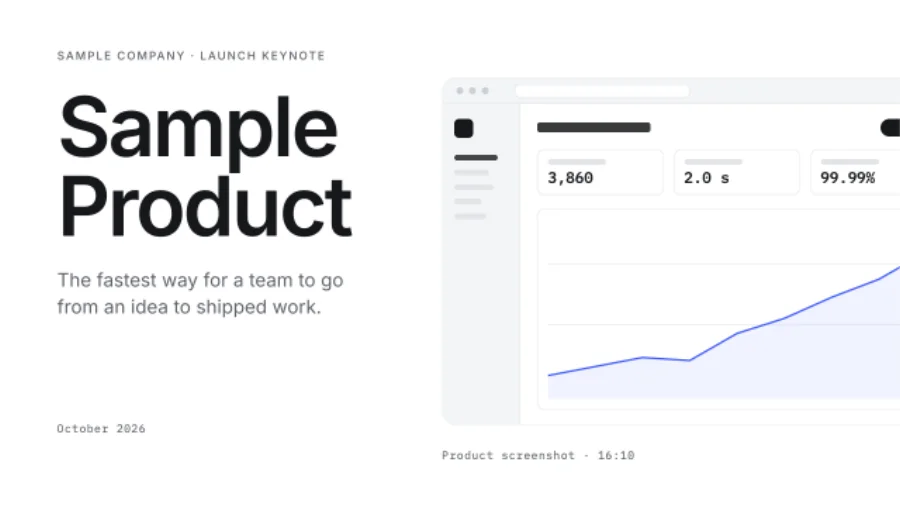
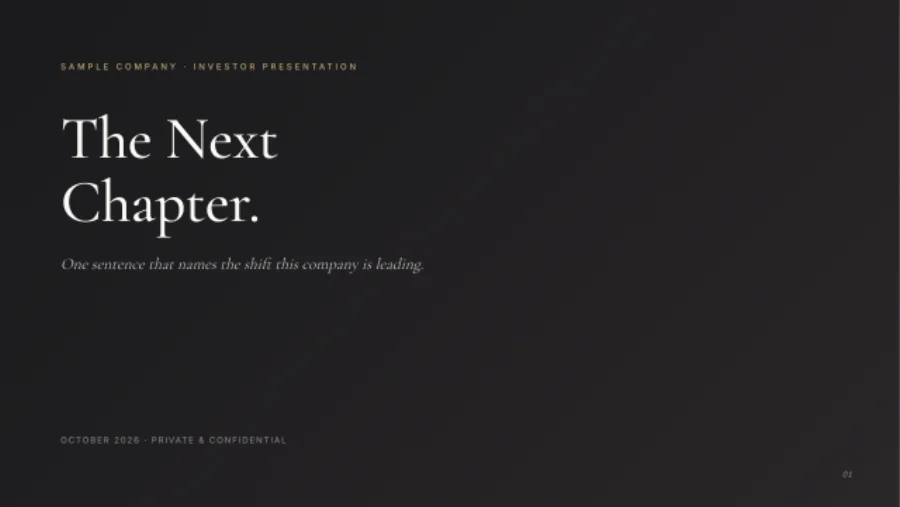
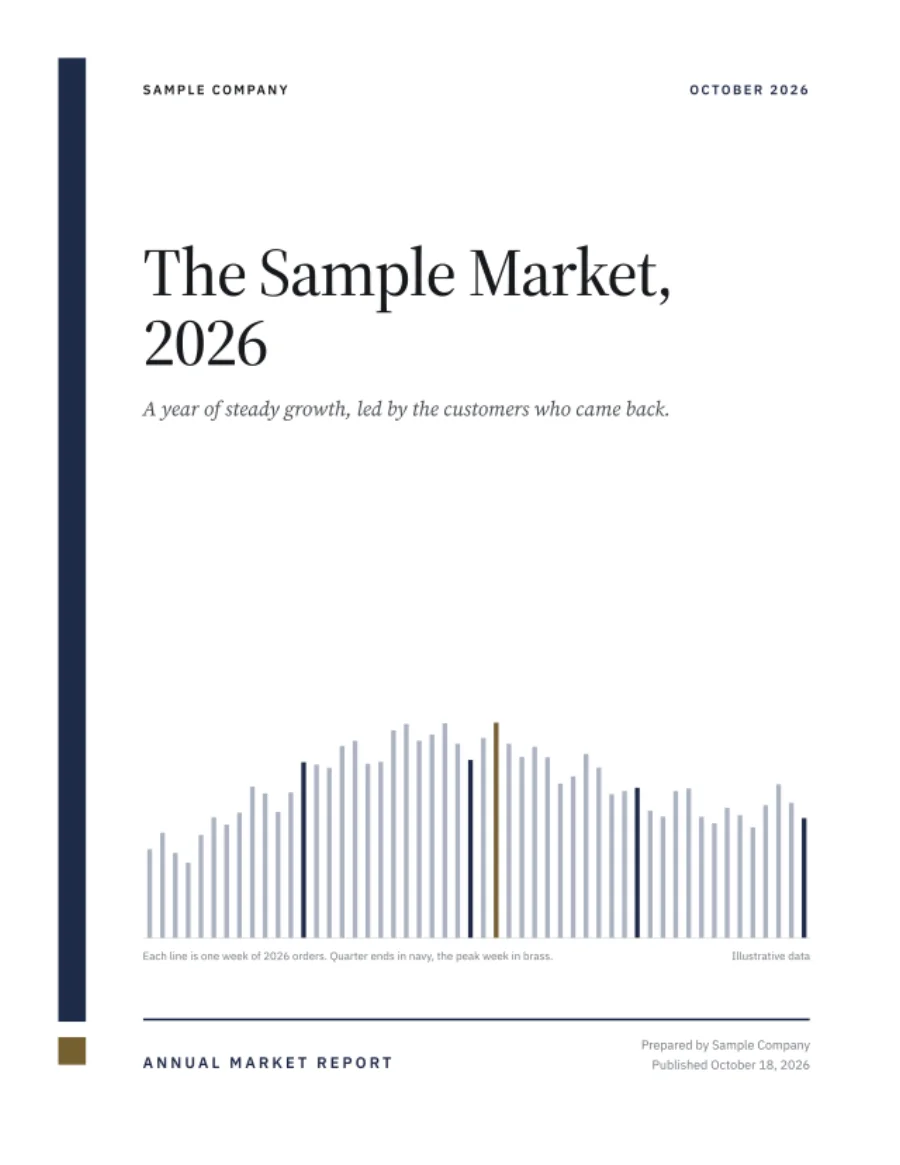
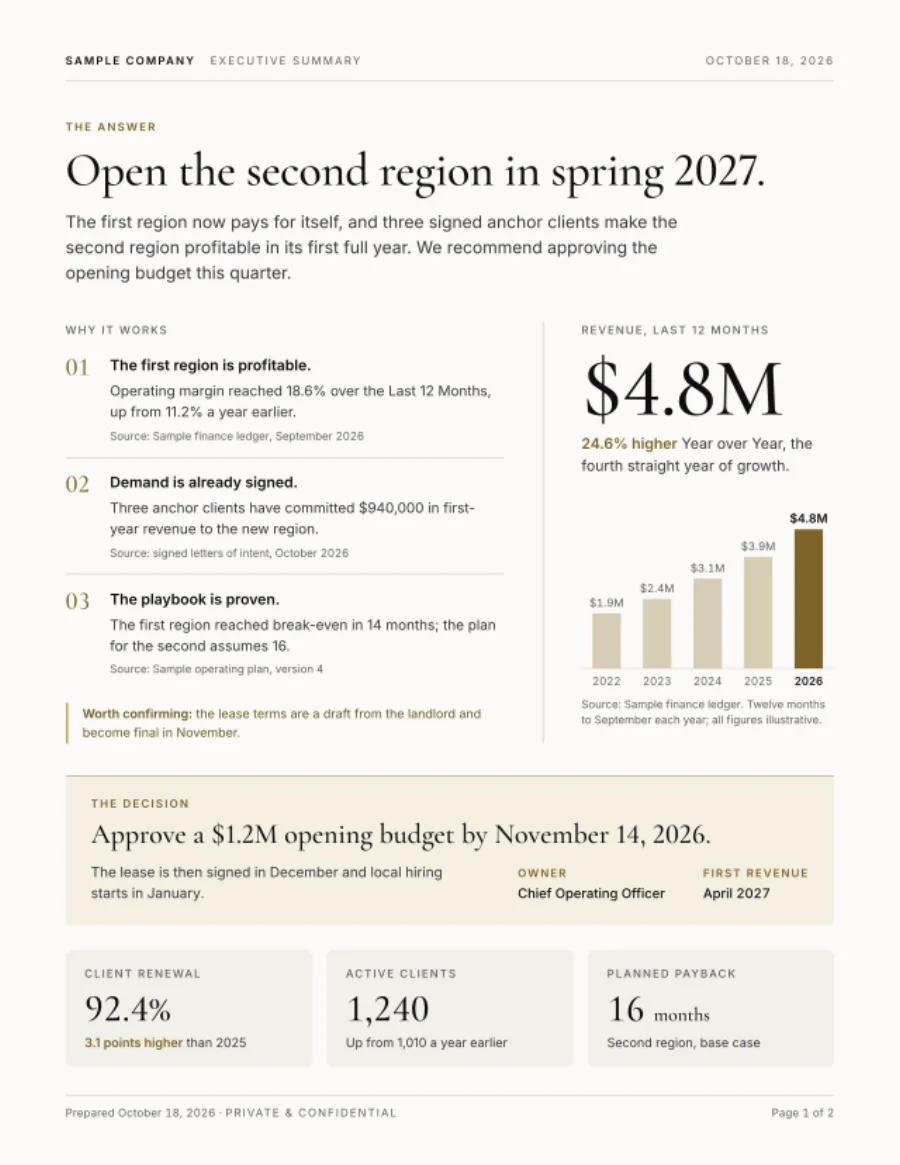
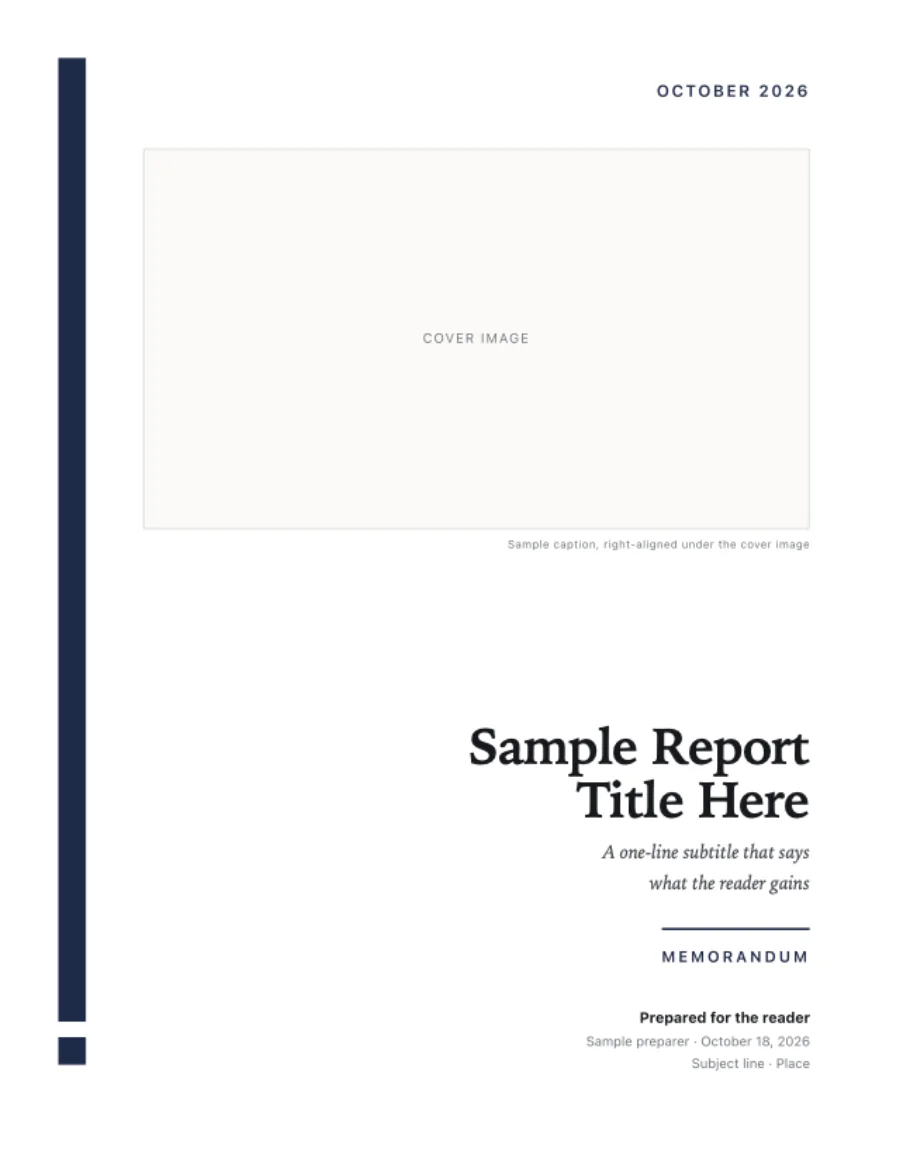
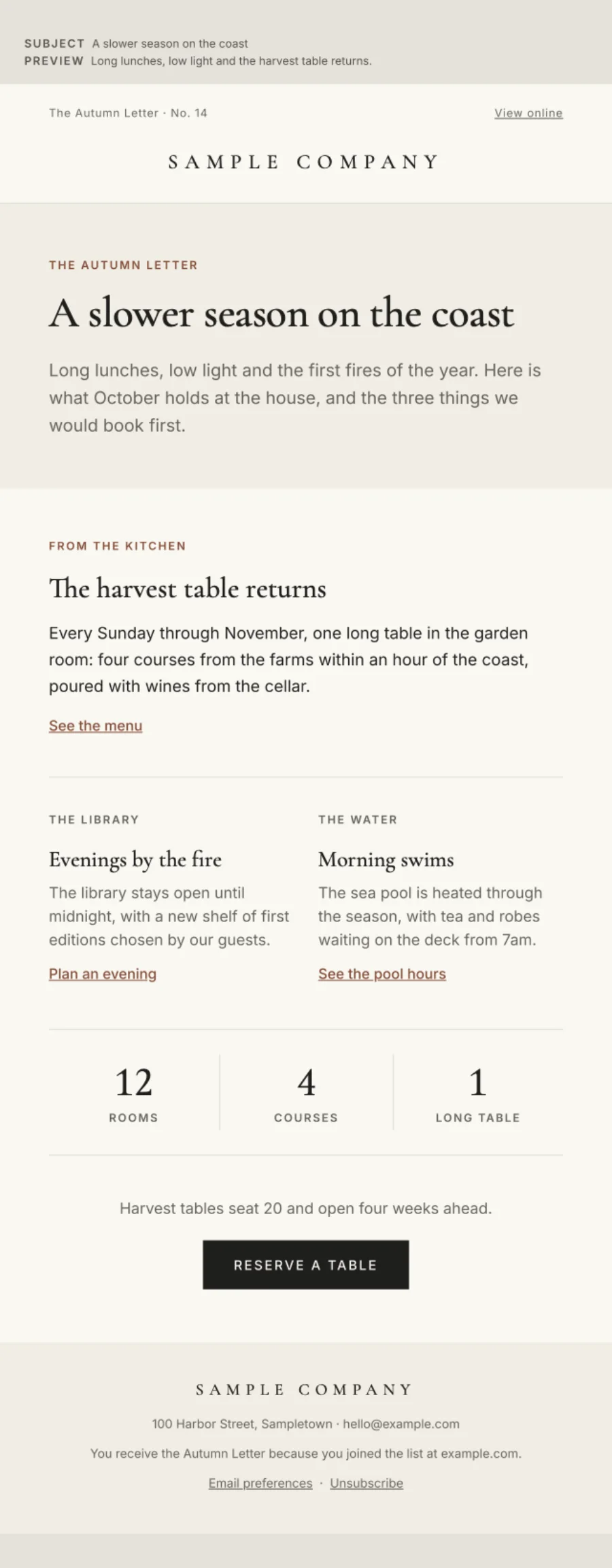
Start from a template with its page size, layouts, and checks already set.
Each template carries its own page size, layouts, content rules, and checks, and a finished example document. Pick one, give it your brand, and Claude writes inside its rules.


WHAT YOU CAN MAKE
Built for the documents that decide things.
A quarterly deck where every number has to match the spreadsheet.
“Update the figures from this file and show me which pages changed.”Agenda, summary, decisions, appendix, in the same system every quarter.
“Review the whole deck page by page without changing anything.”One idea a slide, the number as the graphic, a script to present from.
“Make the key numbers pop; nothing else moves.”Full-bleed plates, tinted paper, print-ready at the trim size.
“Three variants of this cover.”The answer, one hero figure, three proof points, the decision.
“Tighten the copy to one idea.”Postcards with bleed and 600 pixel emails from the same source.
“Match the back of the card to the front.”WHAT RUNS WHERE
Your plan, your files, your Mac.
Presento is a native Mac app that runs on your Claude plan, prints through Chrome, and keeps every document as a folder you own.
Presento drives Claude Code signed in to the Claude plan you already have, so every turn rides on that plan.
PDFs print through Google Chrome at the page size each document declares, so the file you send matches the page you approved.
A document is a folder: one HTML file, its images, its speaker script, and its full history. Keep it in Dropbox or Git; any Claude session can open it.
Claude works in a staging copy. Changes inside your selection land after every page is checked; a change outside it waits for your approval.
Every build is signed with an Apple Developer ID and notarized by Apple, and updates install from the same signed feed.
Every revision is stored inside the document's own folder, so copying the folder copies its whole history and its named finals.
COMPARE
Presento compared with the presentation apps you may know.
Presento uses the Claude plan you already pay for and keeps every document as files on your Mac.
| PRESENTO | BEAUTIFUL.AI | PITCH | |
|---|---|---|---|
| Price to start | Free download, on the Claude plan you already have | Pro, $14.50 a month billed annually | Free plan; Plus, €10 a month billed yearly |
| The AI that edits your pages | Claude, signed in to your own plan, scoped to the page or element you select | Beautiful.ai's built-in assistant | Pitch's built-in assistant |
| Where your documents live | A folder on your Mac: HTML, images, speaker script, and full history | Your Beautiful.ai account | Your Pitch workspace |
| The file you send | A PDF named for its version, printed at the size the page declares | Exports from your account | Exports from your workspace |
Prices read from each company's own pricing page on October 18, 2026.
QUESTIONS
Requirements, files, and updates.
What do I need to run Presento?
A Mac with Apple silicon on macOS 15 or later, Google Chrome (Presento prints with Chrome's print engine), and Claude Code signed in to your Claude plan. Presento runs every turn on that plan.
Can Claude change pages I did not ask about?
Every turn runs in a staging copy. Presento compares every page to the version before it, and a change outside your selection waits for your review before it lands. Locked pages refuse edits until you unlock them.
Where are my documents stored?
Each document is a plain folder on your Mac: one HTML file, its images, a speaker script, and the full version history. Put it in Dropbox or a Git repository and it travels with you.
Can I bring in a deck I already have?
Yes. Import any HTML deck or document and its images come with it. Fork an existing document to start a new draft with its own history.
Why HTML and not slides?
A page built in HTML and CSS gives Claude direct control over type, grid, and page breaks, and it prints as designed. You never touch the code unless you want to; you talk to the page and point at it.
What is a final?
A final is a revision you name, like “Version 1 (Launch day)”. It is starred in History, and export uses its name in the file, so everyone knows which version they are reading.
How do updates work?
Presento checks for a new build when it opens and every six hours, installs it in the background, and holds an install while Claude is mid-turn.
Who makes Presento?
Epiphani Studios, the studio behind PageHawk, Hush Performance, and a family of focused apps. Write to us at hello@epiphani.studio.

Your next deck starts with one sentence.
Download Presento, pick a template, and tell Claude what the first page should say.